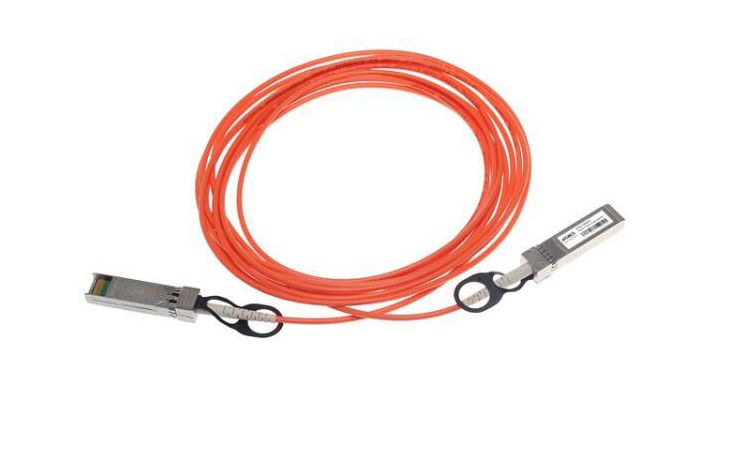
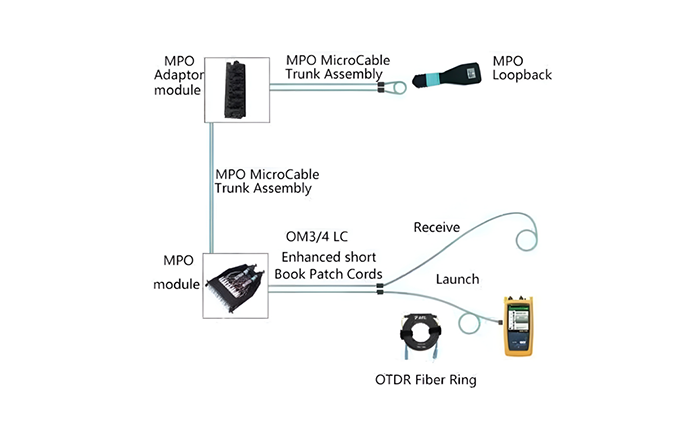
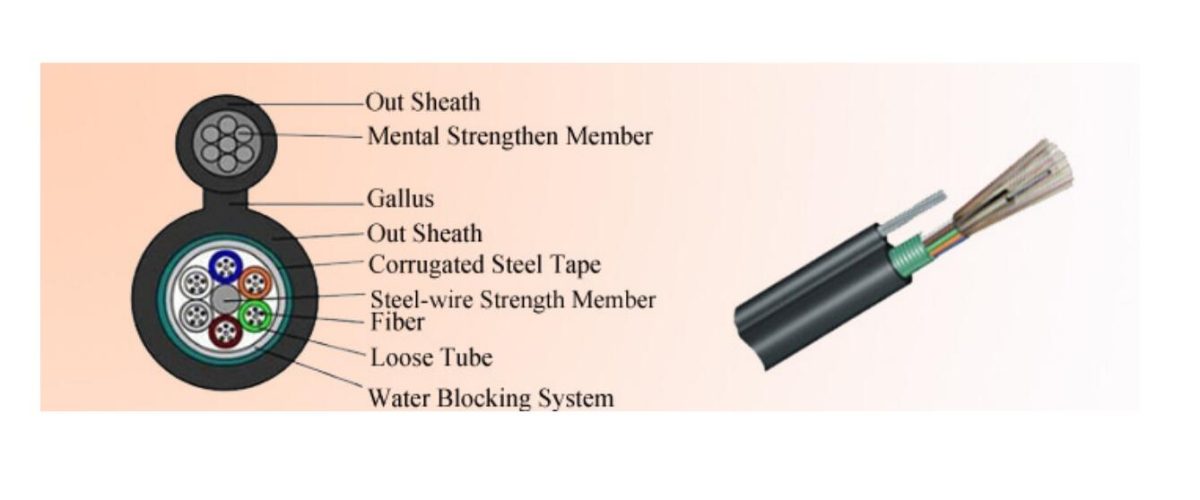
In the world of fiber optic communication, where data travels at the speed of light, the Small Form-factor Pluggable (SFP) transceiver is a crucial component. These compact, hot-swappable devices enable the seamless transmission and reception of data over optical fibers. However, a frequently asked question in this domain is, “Do SFP wavelengths have to match?” The answer, as we will explore, is not just a matter of technical detail but a cornerstone of network efficiency and reliability.
Table of Contents
ToggleUnderstanding SFP Modules and Wavelengths
SFP modules come in various types, each designed for specific applications, distances, and data rates. One of the critical specifications of an SFP module is its wavelength. The wavelength, measured in nanometers (nm), refers to the color of the light emitted and received by the transceiver. Common wavelengths include 850 nm, 1310 nm, and 1550 nm, each suited for different types of fibers and distances.
Wavelength matching is essential in fiber optic communication because optical signals of different wavelengths can experience varying levels of attenuation and dispersion, which can affect the clarity and integrity of the transmitted data. In simple terms, when the wavelengths do not match, the signals can become weakened or distorted, leading to data errors or loss.
The Role of Wavelength in Network Performance
In a typical network setup, matching the wavelengths of SFP modules on both ends of the fiber link ensures that the transmitted optical signal is optimally received by the corresponding transceiver. For instance, an SFP module operating at 1310 nm on one end should ideally be paired with a similar 1310 nm module on the other end. This alignment minimizes signal loss and maximizes data integrity.
Moreover, wavelength matching is crucial in Dense Wavelength Division Multiplexing (DWDM) and Coarse Wavelength Division Multiplexing (CWDM) systems. These technologies allow multiple data signals to be transmitted simultaneously over a single fiber by using different wavelengths for each signal. In such systems, precise wavelength control and matching are critical to prevent crosstalk and ensure that each channel carries its data without interference.
Practical Implications for Network Design and Maintenance
For IT professionals and network administrators, understanding the importance of wavelength matching can significantly impact network design and maintenance. When deploying or upgrading fiber optic networks, choosing the right SFP modules with matching wavelengths is essential for achieving optimal performance. Additionally, when troubleshooting network issues, checking for wavelength mismatches can often be a key step in diagnosing signal quality problems.
Failure to match wavelengths appropriately can lead to increased error rates, reduced data transmission speeds, and, in severe cases, complete link failure. This not only affects the immediate communication but can also have broader implications for the network’s overall reliability and efficiency.
As we delve deeper into this topic, we will explore the nuances of wavelength selection, the different types of fibers, and practical tips for ensuring that your SFP modules are perfectly matched, keeping your data flowing smoothly and efficiently.
Continuing from our previous discussion, let’s delve into the technical intricacies of wavelength selection and the various types of optical fibers used in conjunction with SFP modules. Understanding these factors can help in making informed decisions when designing or upgrading a network.
Wavelength Selection: A Closer Look
Selecting the appropriate wavelength for SFP modules depends on several factors, including the type of optical fiber, the distance of data transmission, and the specific network requirements. For example, SFP modules using 850 nm wavelengths are typically used with multimode fibers for short-distance communication, up to 550 meters. In contrast, 1310 nm and 1550 nm wavelengths are more commonly used with single-mode fibers for longer distances, ranging from a few kilometers to over 80 kilometers.
The choice of wavelength also affects the type of optical transceiver used. Transceivers operating at 850 nm, such as SFPs, are usually less expensive and suitable for applications where cost is a significant concern. However, for longer distance transmissions where data integrity and performance are critical, 1310 nm and 1550 nm transceivers are preferred despite their higher cost.
The Impact of Fiber Type on Wavelength Matching
The type of optical fiber used in a network also plays a crucial role in wavelength selection and matching. Multimode fibers, characterized by a larger core diameter, are designed to carry multiple light modes, making them suitable for shorter distances. These fibers are typically used with 850 nm wavelength SFP modules. On the other hand, single-mode fibers have a smaller core diameter and are optimized for single-wavelength transmission over long distances, which is why they are paired with 1310 nm or 1550 nm wavelength SFP modules.
Mismatch between fiber types and wavelengths can result in suboptimal performance. For example, using an 850 nm SFP module with single-mode fiber can lead to significant signal loss, as the fiber is not optimized for that wavelength. Similarly, using 1310 nm or 1550 nm modules with multimode fibers can cause modal dispersion, reducing the quality and speed of data transmission.
Ensuring Optimal Performance: Best Practices
To ensure that your fiber optic network operates at its best, adhere to these best practices for wavelength matching:
Identify Fiber Type and Application: Before selecting SFP modules, confirm whether your network uses single-mode or multimode fiber. This will guide your wavelength choice.
Match SFP Wavelengths on Both Ends: Ensure that the SFP modules at both ends of a fiber link use the same wavelength. This prevents signal degradation and maintains data integrity.
Consider Future-Proofing: If you anticipate future network expansions or upgrades, consider using higher wavelength modules like 1310 nm or 1550 nm, which are more versatile for longer distances and advanced networking applications.
Regular Maintenance and Checks: Periodically check the network for any mismatches or potential issues, especially when adding new components or making changes to the network layout.
In conclusion, while the question “Do SFP wavelengths have to match?” might seem straightforward, the underlying considerations are quite complex and critical for network performance. Proper wavelength matching ensures that your data travels efficiently, with minimal loss and maximum speed, laying the groundwork for a robust and reliable fiber optic network. Whether you’re an IT professional or a business owner looking to optimize your network infrastructure, understanding these principles can help you make better, more informed decisions.
Frequently Asked Questions
Q:Can 1G SFP work with 10G SFP
A:Yes, technically, a 1G SFP can physically fit into a 10G SFP port, but it will not work as intended. The mismatch in data rates will likely result in communication errors, link instability, and degraded network performance. Mixing different SFP speeds can lead to potential issues such as data packet loss, increased latency, and network congestion.
To address these issues when mixing 1G and 10G SFPs, it is recommended to use media converters or rate-selectable SFP modules that can adapt to different speeds. These devices can help bridge the gap between different SFP speeds and ensure compatibility within the network.
From a current perspective, with the advancement of technology and the widespread adoption of higher network speeds, it is becoming increasingly important to maintain uniformity in SFP speeds to optimize network performance and reliability. Therefore, it is advisable to avoid mixing 1G and 10G SFPs whenever possible to prevent potential compatibility issues and ensure seamless network operation.
Q:Do Walsun appliances support direct attach cable (DAC)?
A:Yes, Walsun appliances support a passive DAC in release 10.5 and later.
Q:Which port must I insert the DAC into?
A:DAC is inserted into the 10G port on the appliance.
Q:Does the 1G port support a DAC?
A:No. The DAC might fit into a 1G port but is not supported.
Q:How can I order a DAC?
A:Contact your Walsun sales representative to order a DAC.
Q:Can I mix DAC and fiber transceivers on the same appliance?
A:Yes. You can mix DAC and fiber transceivers on the same appliance. Each 10G port supports both options.
Q:Can I mix SFP+ fiber and DAC in ports that are part of the same link aggregation channel?
A:No. There must be symmetry between all elements in the same link aggregation channel.
Q:Which transceivers use the MPO type connector?
A:Only 40G QSFP+ SR4 transceiver and 100G QSFP28 SR4 transceivers use the MPO type connector. All other fiber transceivers use the LC type connector.
Q:Are special adapters required for 25G, 50G, and 100G ports?
A 100G port can support five speeds: 10G, 25G, 40G, 50G, and 100G. 1G speed is not supported on the 100G port. 50G and 100G ports use the same transceiver. The appliance determines the speed, and not the port.
Only 50G/100G (QSFP28) and 40G (QSFP+) transceivers can be directly used on a QSFP28 interface. Use a QSA28 adapter on a QSFP28 interface to use 10G (SFP+) and 25G (SFP28) transceivers.
Related Article:
SFP-CWGE27-80C 1.25G CWDM SFP 1270nm 80km LC SMF DDM Transceiver Module
TRENDnet TEG-MGBS10 Compatible 1000Base LX SFP 1310nm 10km LC SMF DDM Transceiver Module
SFP-GE35-2BX20 1000Base 2 Channels BX BIDI CSFP TX1310nm-RX1550nm 20km LC SMF DDM Transceiver Module
SFP-GE55-ZX 1000Base SFP ZX 1550nm 80km LC SMF DDM Transceiver Module
SFP-DWGE17-120C 1.25G DWDM SFP C17 100GHz 1563.86nm 120km LC SMF DDM Transceiver Module